FreshMoo



Overview
FreshMoo: Fresh, Personalized Deliveries and Recipes
FreshMoo solves the challenge of delivering fresh, safe dairy and non-dairy products to busy individuals and families with dietary restrictions like allergies or lactose intolerance. By addressing these needs, it ensures convenience, safety, and healthier living, while inspiring users with personalized recipe suggestions to explore new cuisines.
Challenges


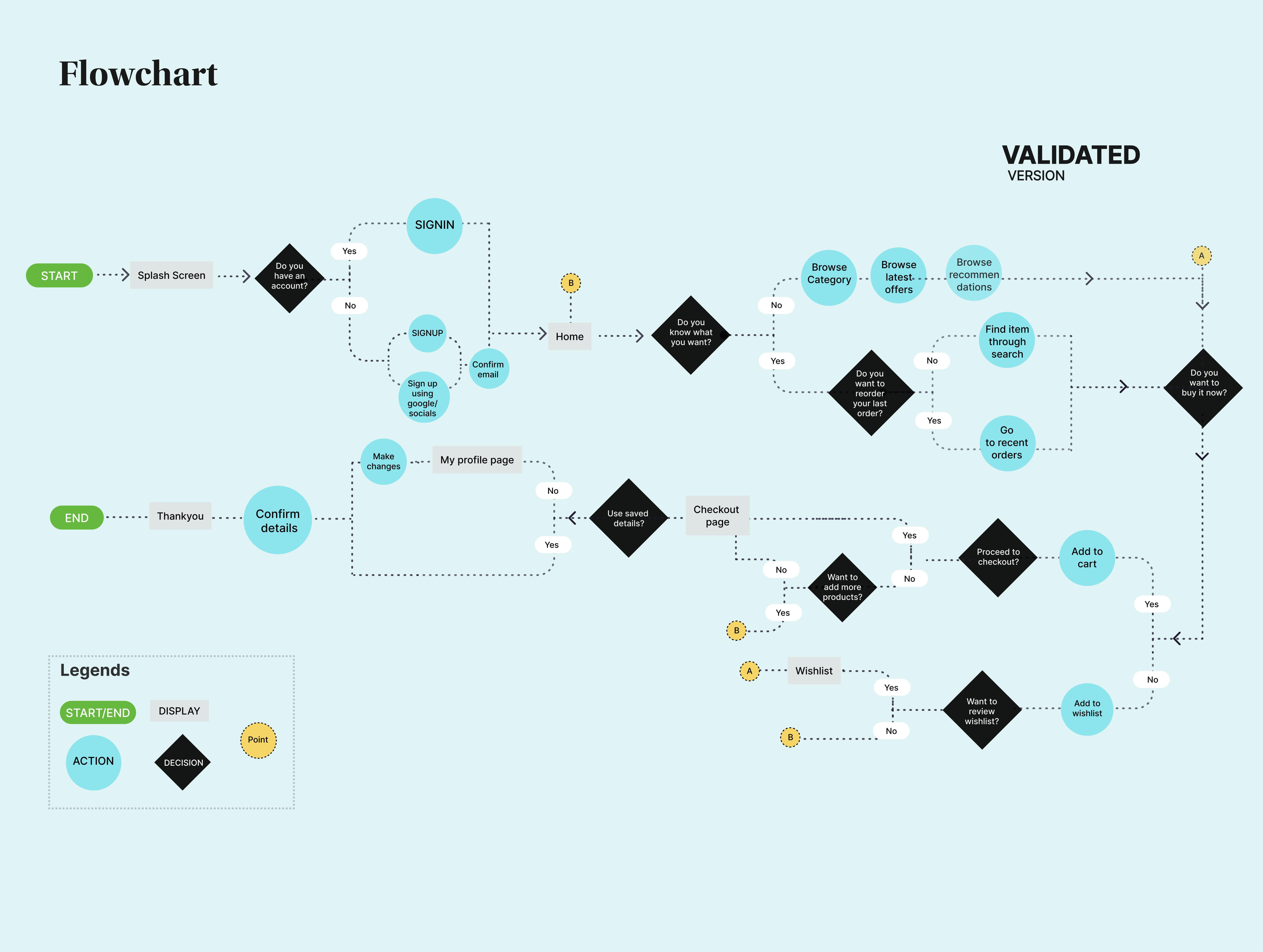
Flowchart
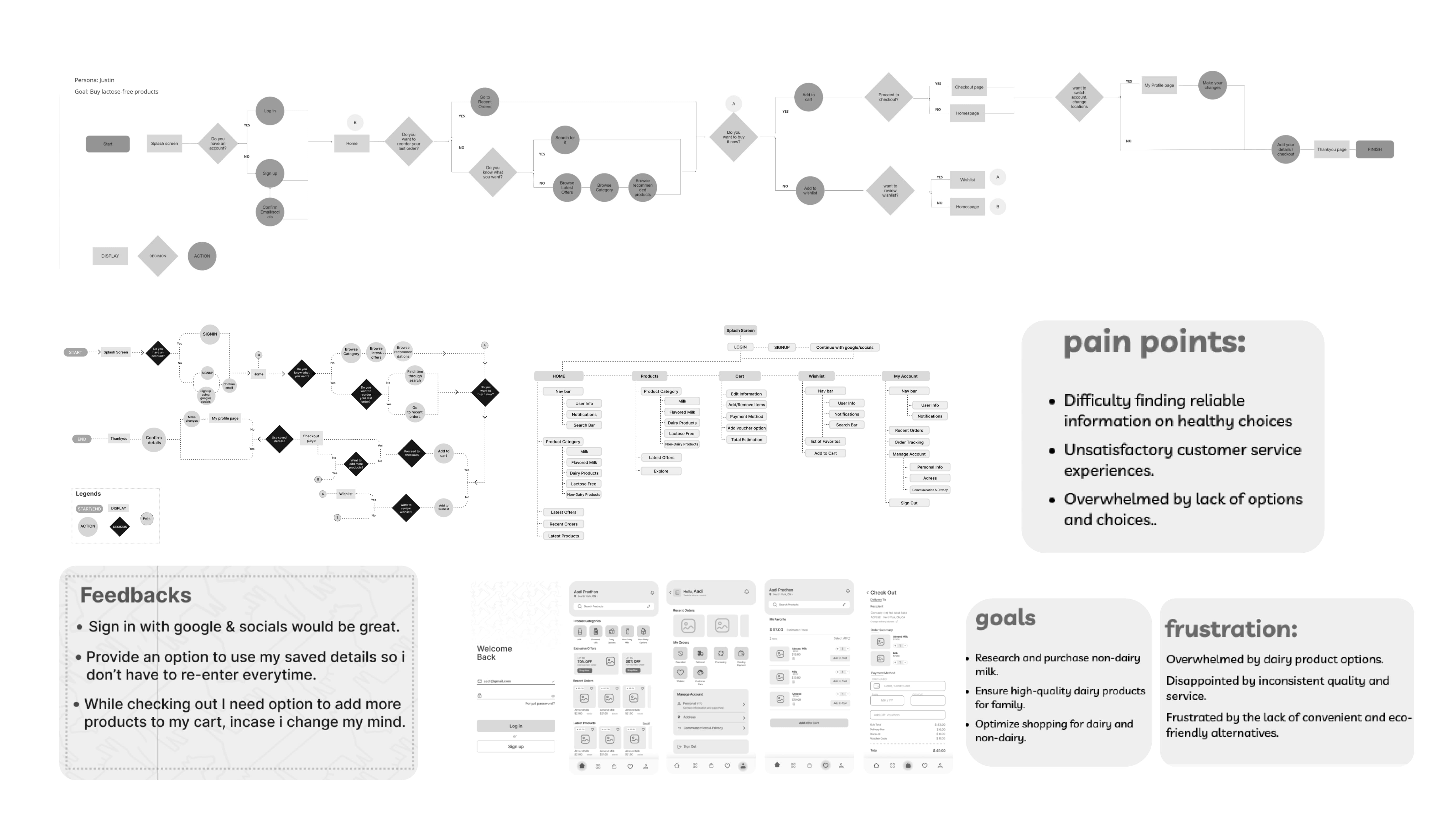
information architecture
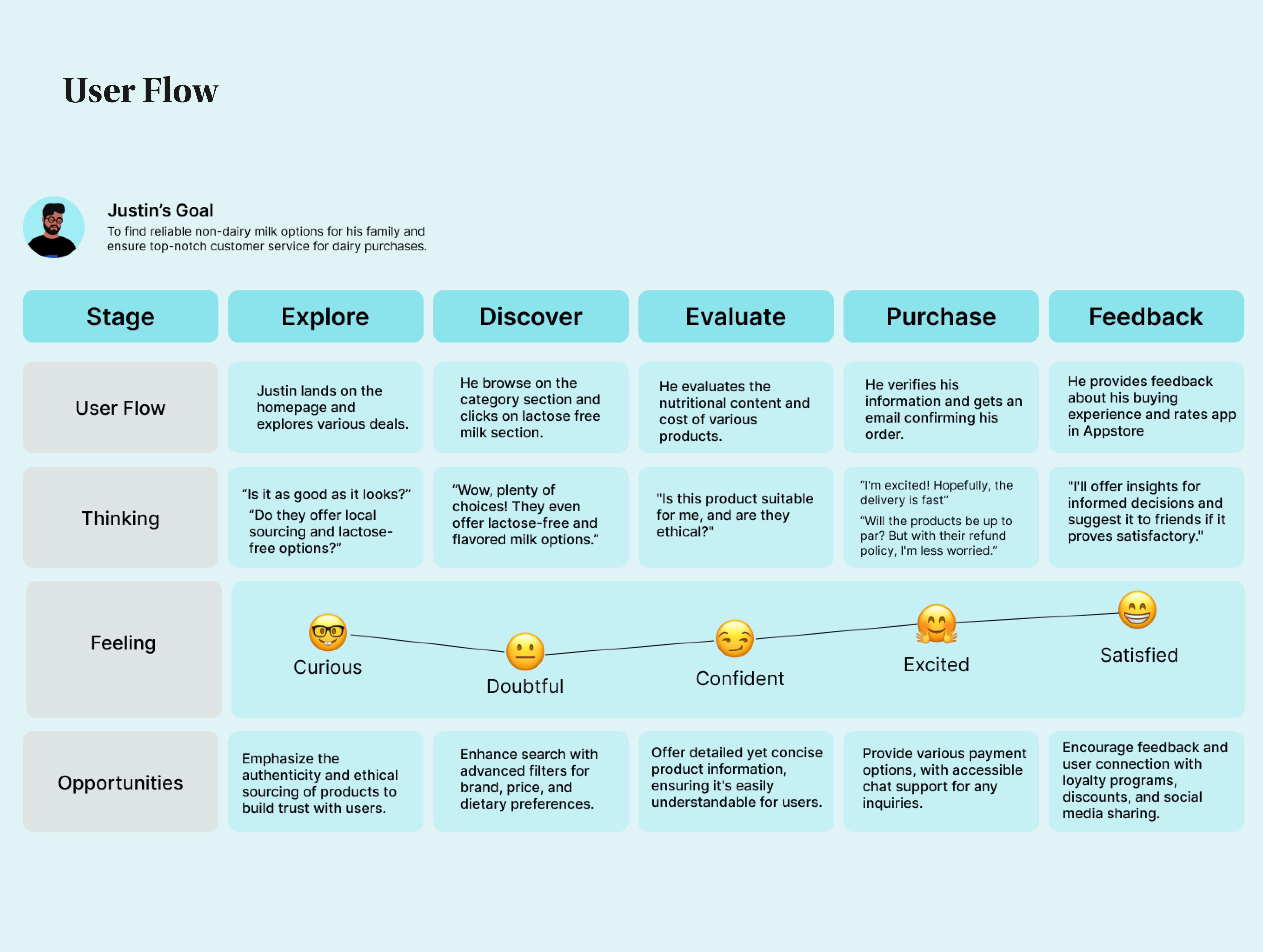
& User flow
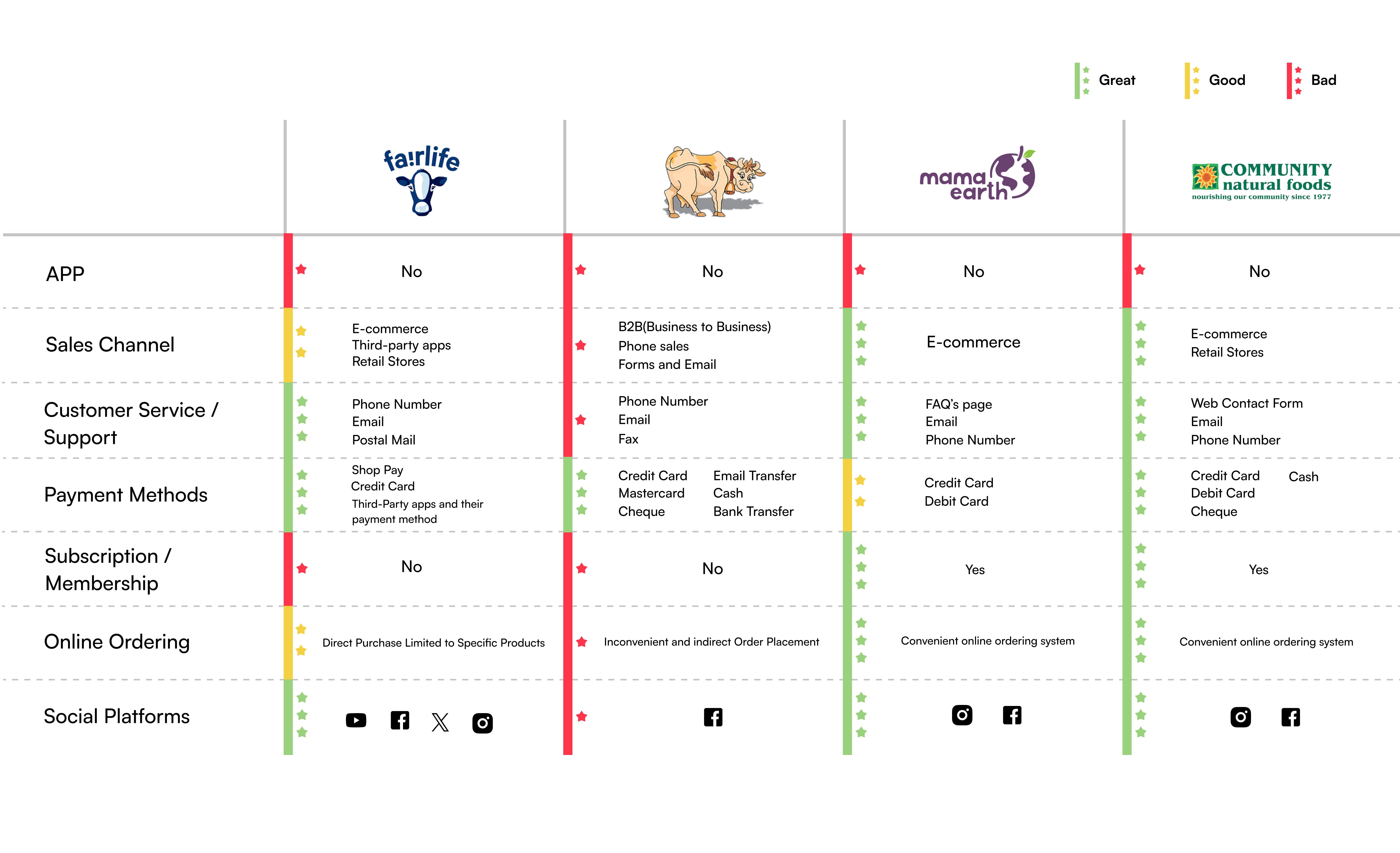
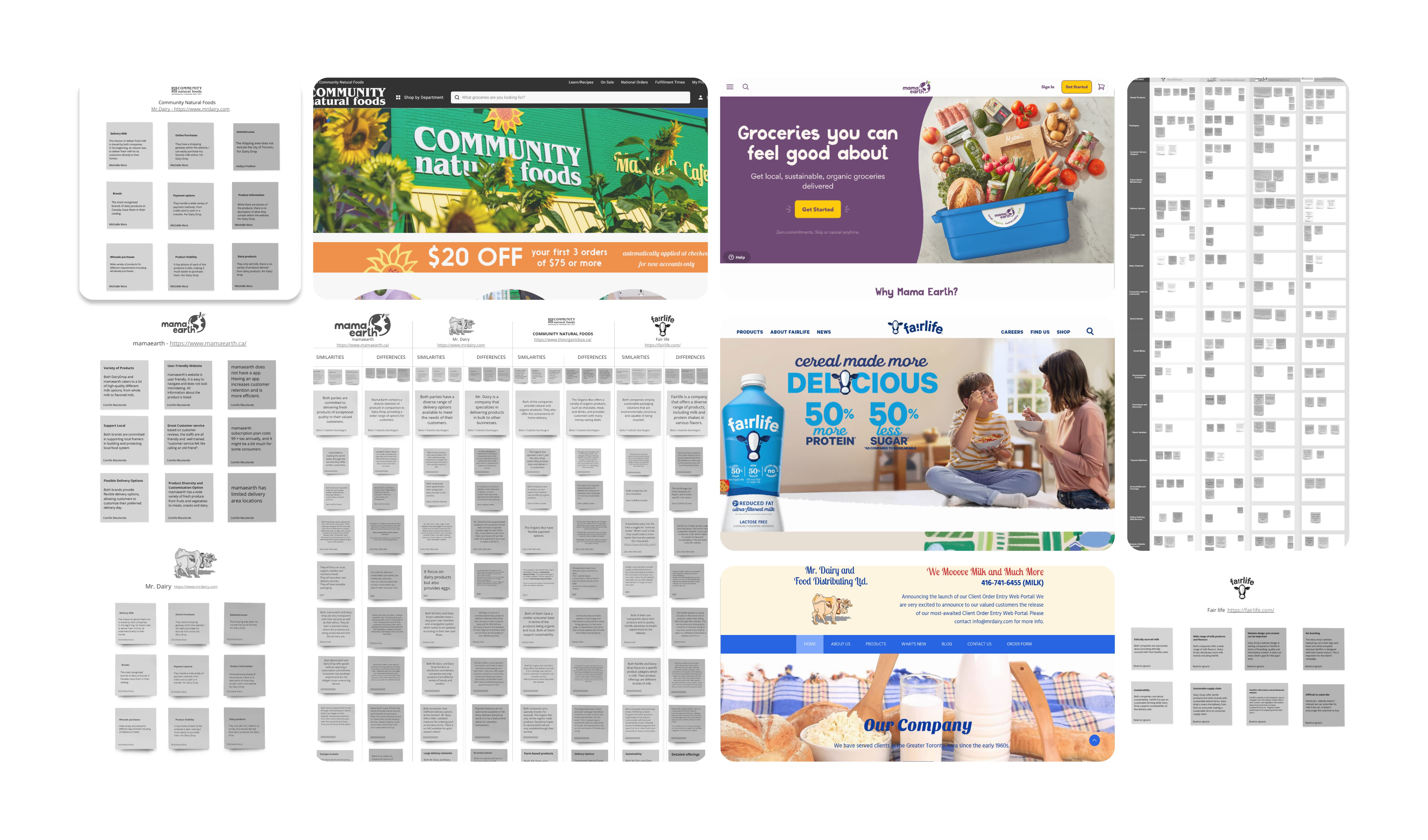
Competative Analysis
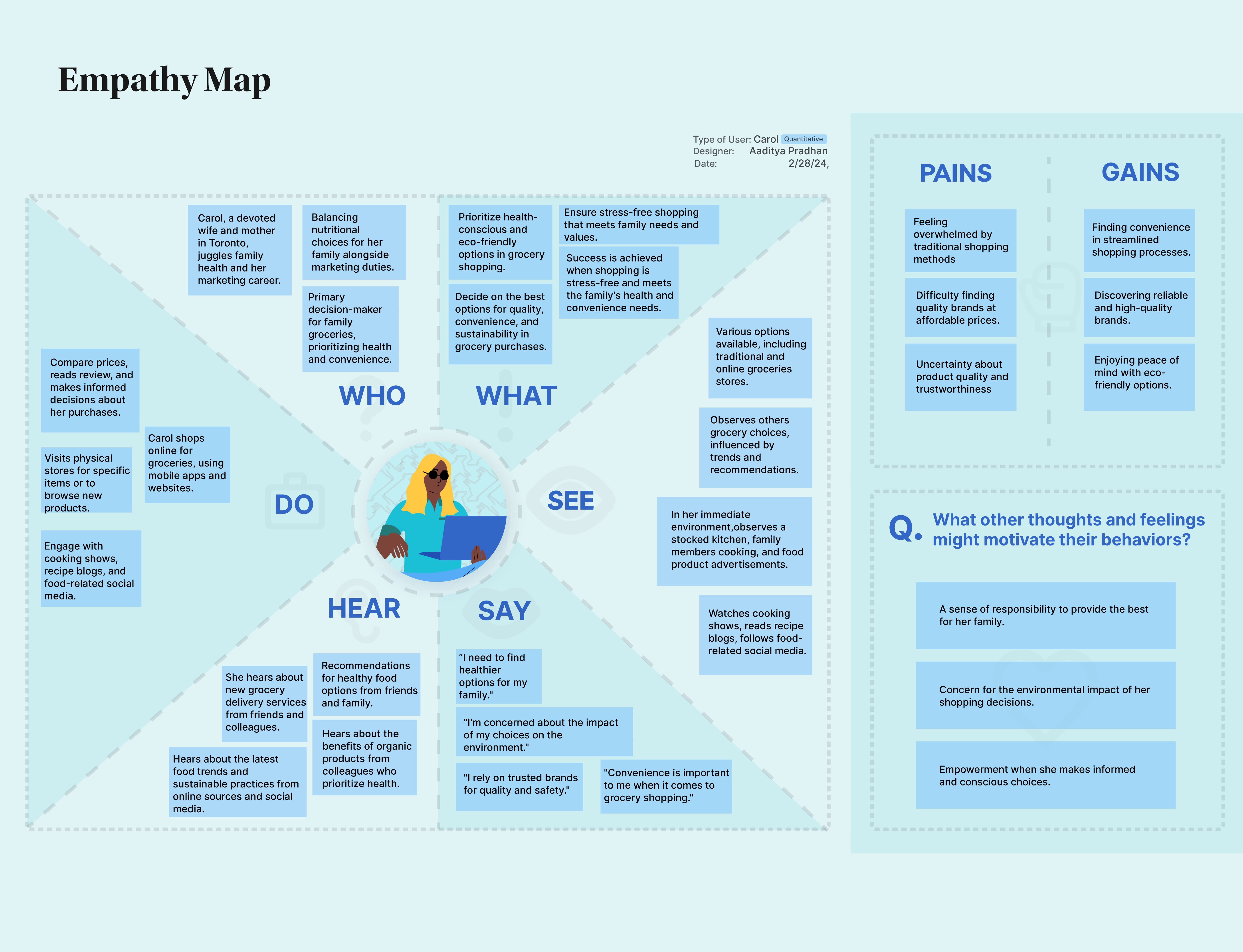
User
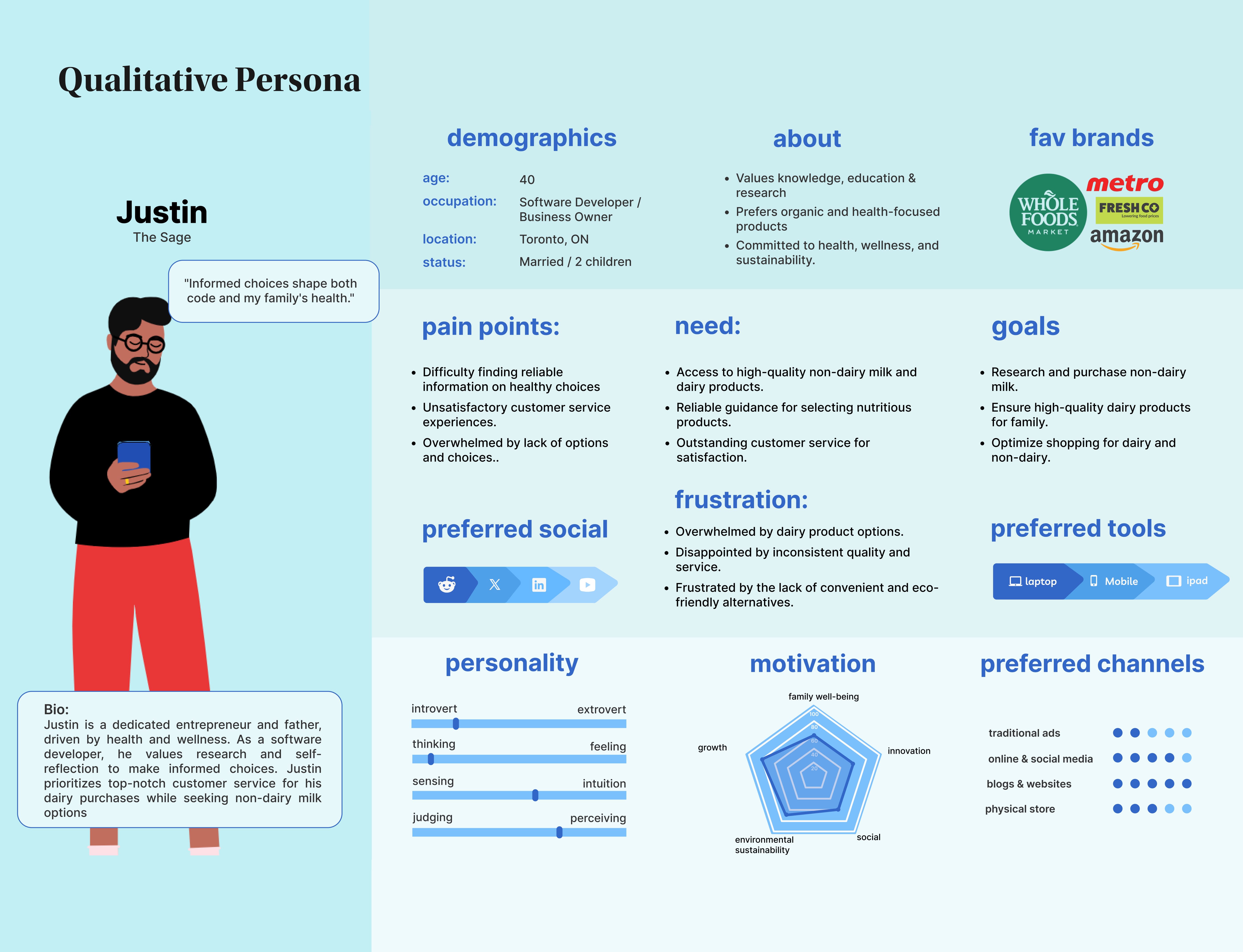
Research





DRAG TO MOVE

Sketches to Stunning Wireframes
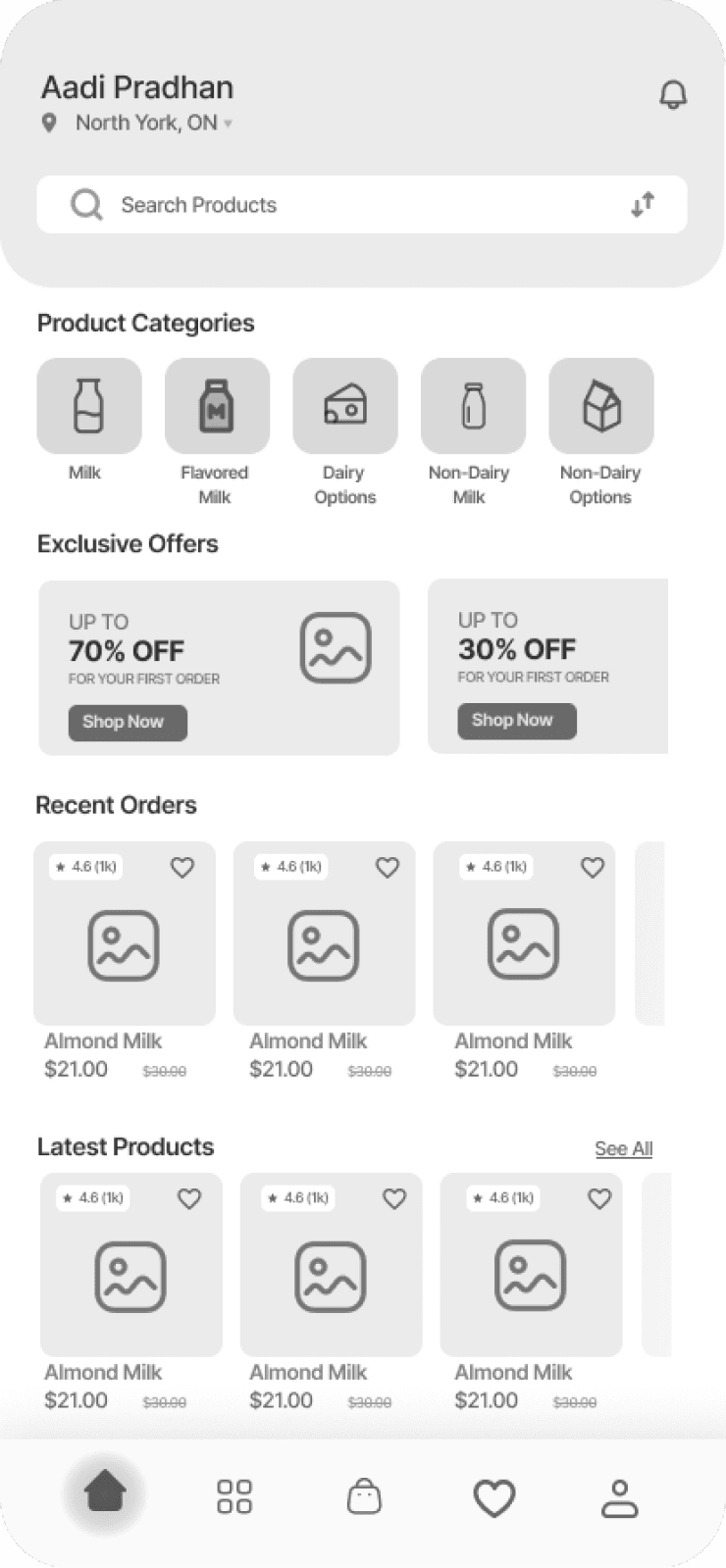
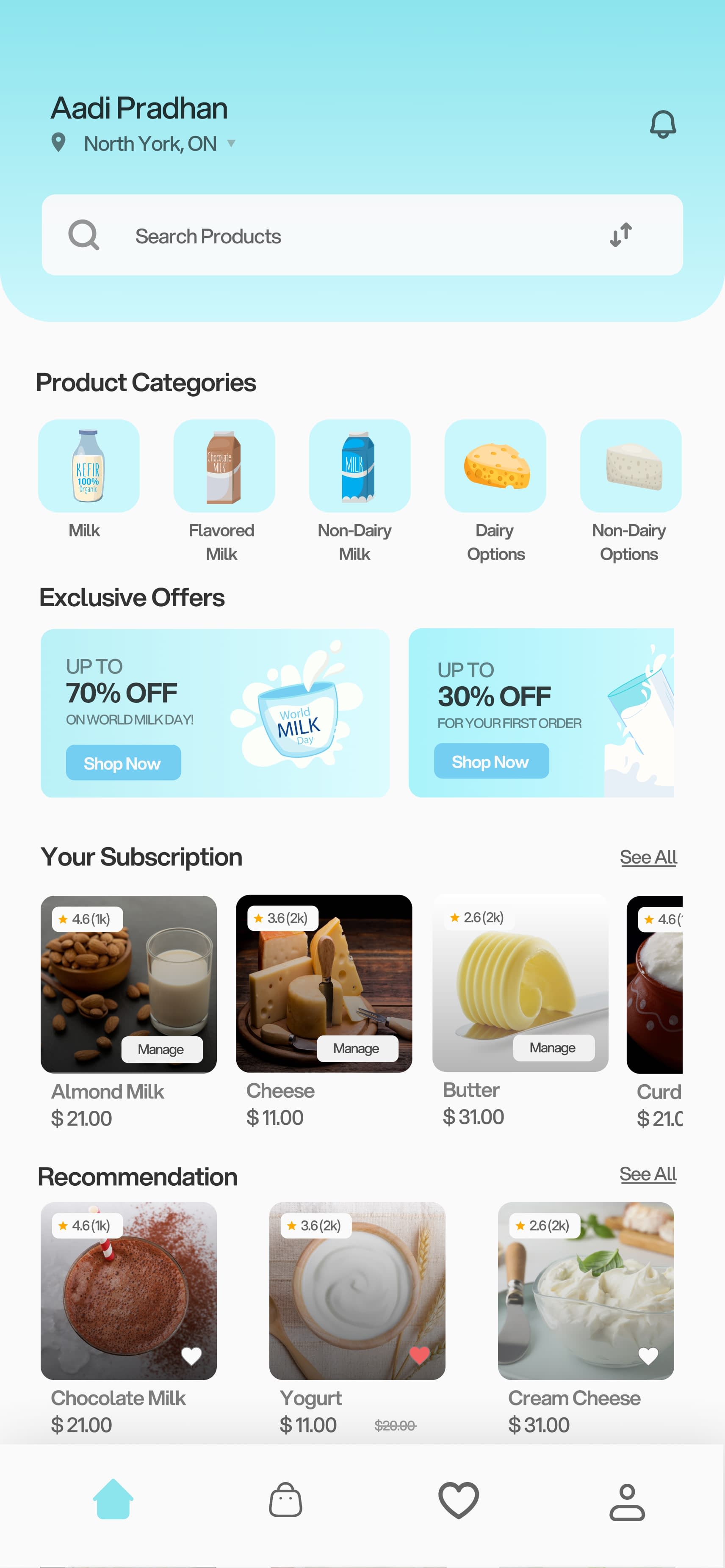
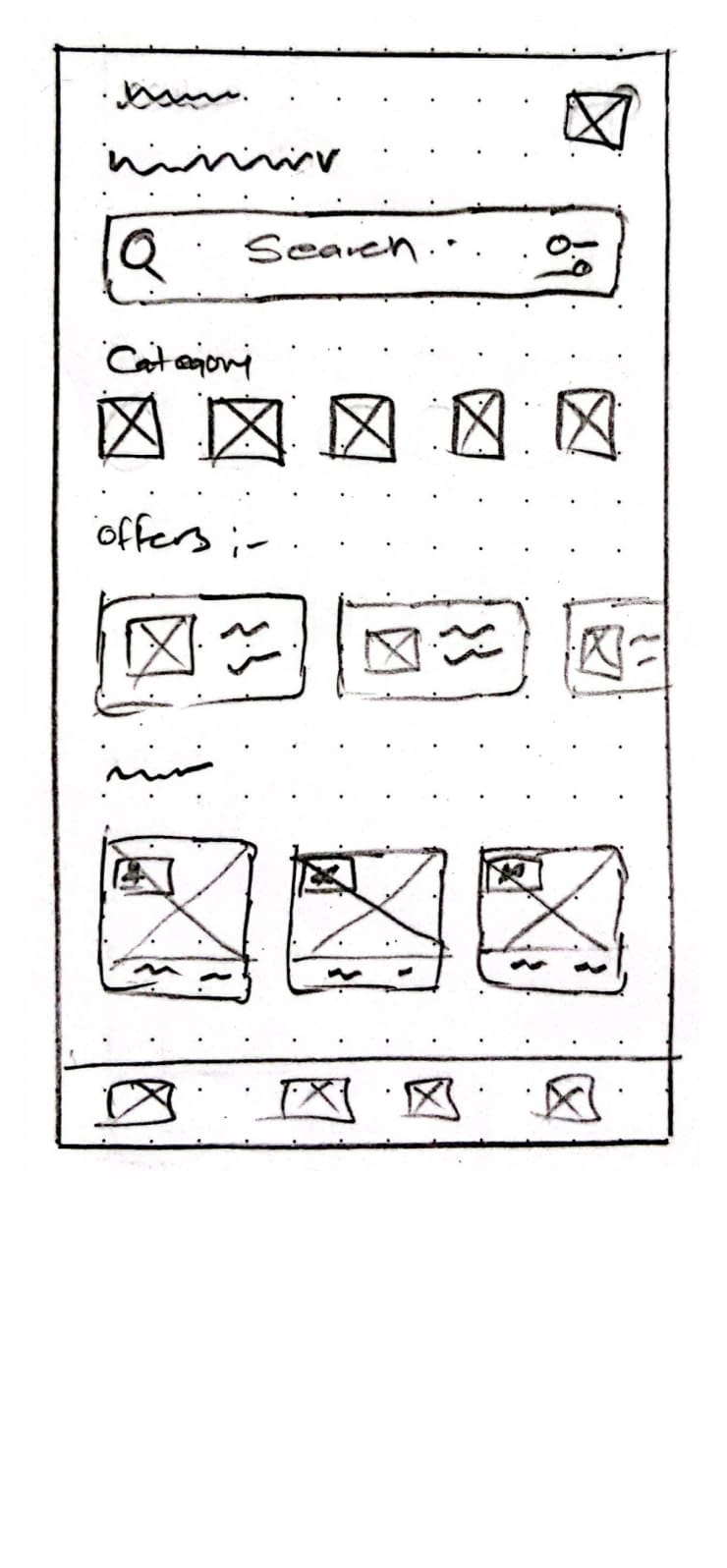
Driven by in-depth user research, market analysis, and competitive insights, I transformed initial speed sketches into low-fidelity wireframes and finally into polished high-fidelity prototypes, ready for user testing.
User Testing
User Testing for Refinement
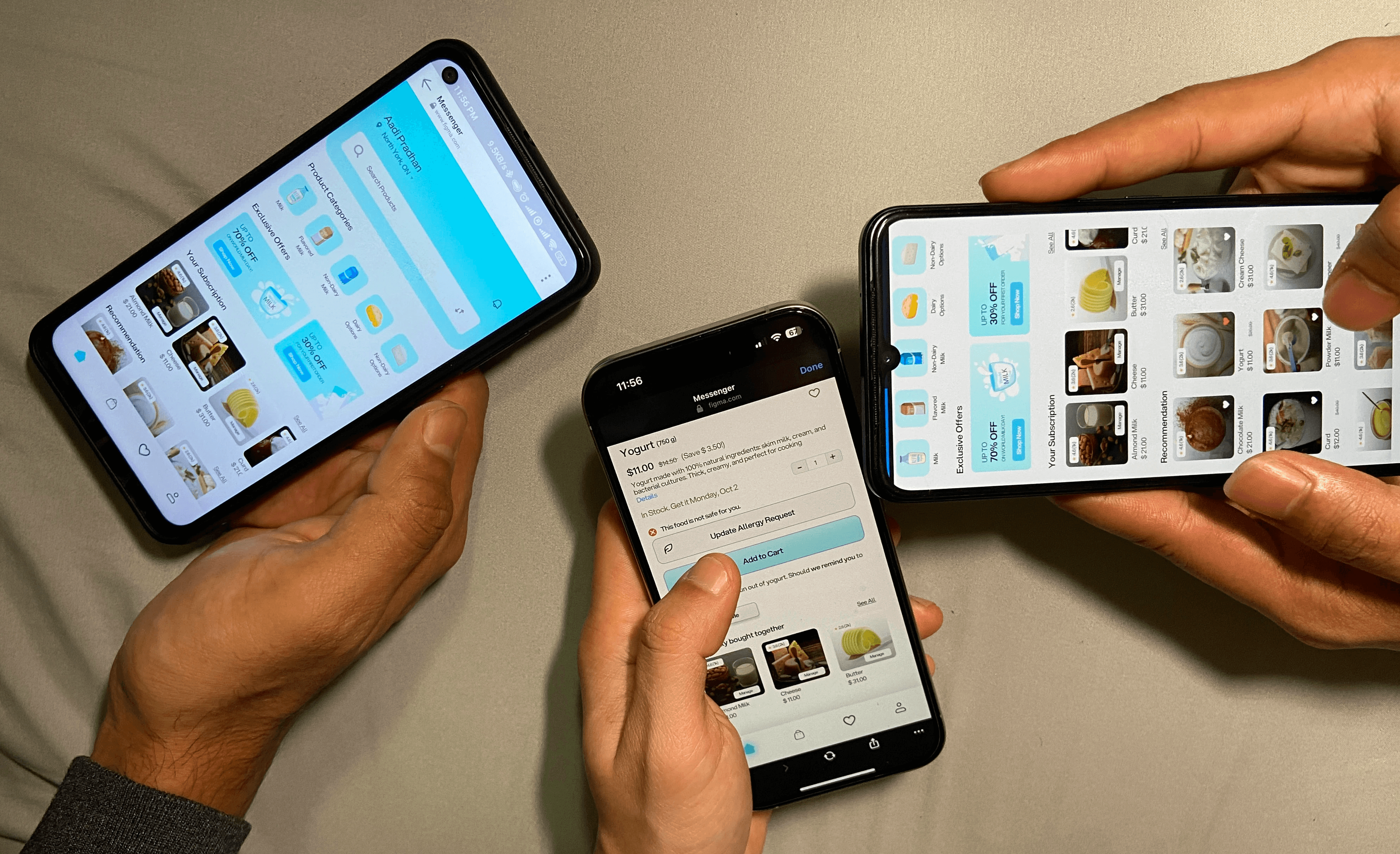
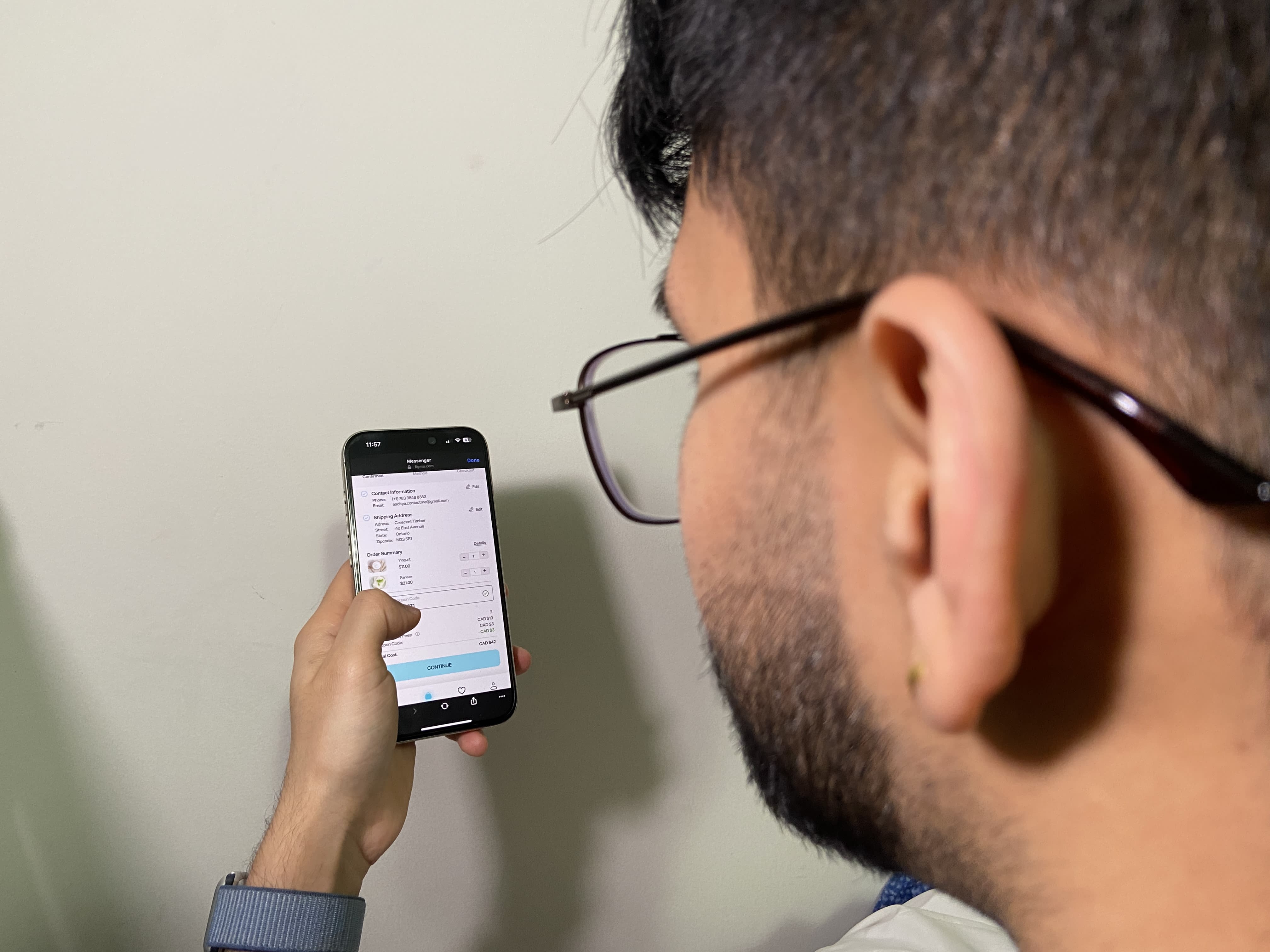
After finalizing the high-fidelity prototypes, I conducted user testing to gather feedback on the overall experience, ensuring the design met user needs and expectations



Proposed Design
Refining Through Feedback
Based on valuable user feedback, I refined the design, making necessary changes and introducing new features to improve usability and overall user experience.
Logo Animation & Splash Screen
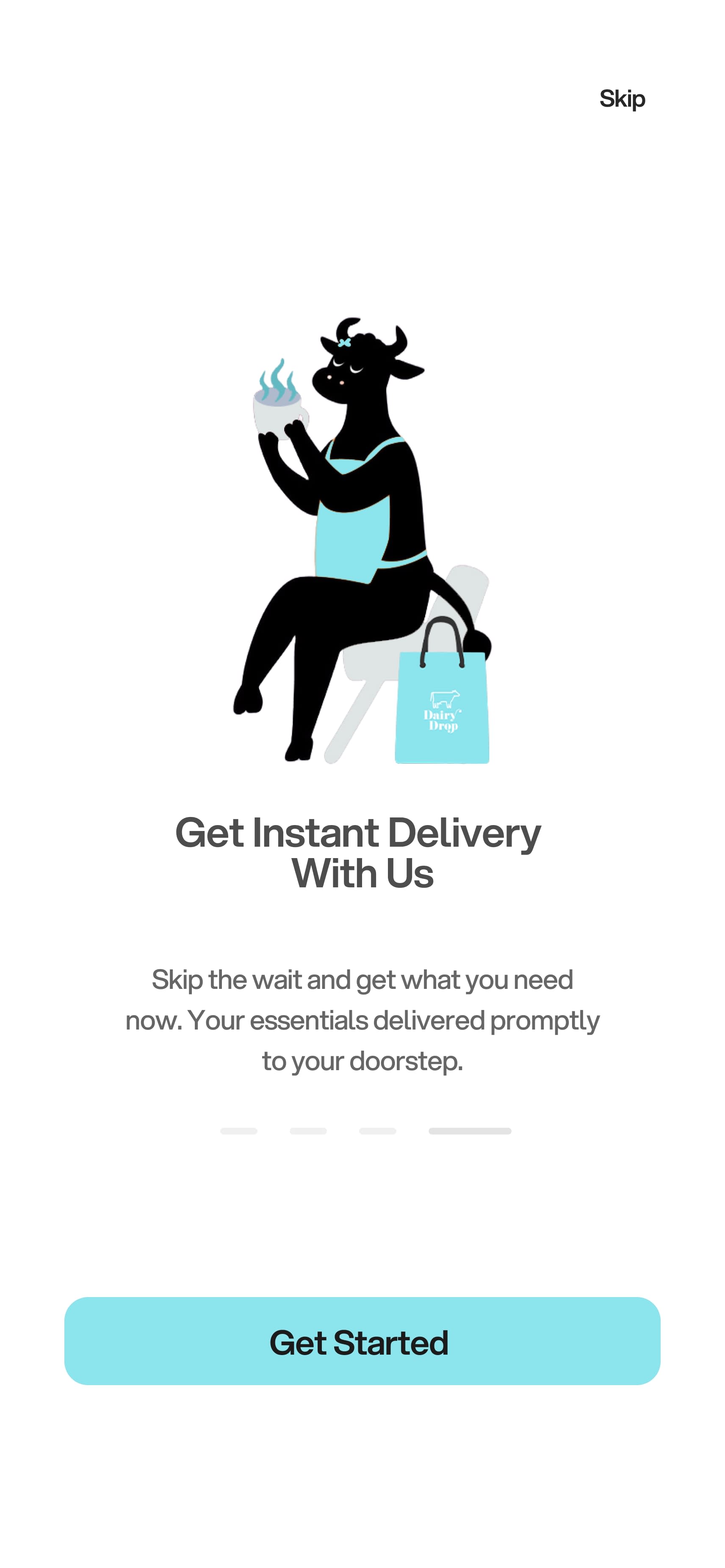
With stunning illustrations and vibrant animations, the logo and splash screen create a captivating introduction, reinforcing the brand and inspiring users to sign up seamlessly.
Sign-Up Page
Streamlined for ease, the sign-up page requires minimal input and reassures users they're just steps away using bold titles. Quick options like Apple and Google sign-in ensure a fast, frictionless start.
Personalized experience
By asking about allergies and dietary concerns during sign-up, the app creates tailored lesson plans that align with each user's unique goals, ensuring the content resonates with individual needs.
Homepage: Personalized and Health-Focused
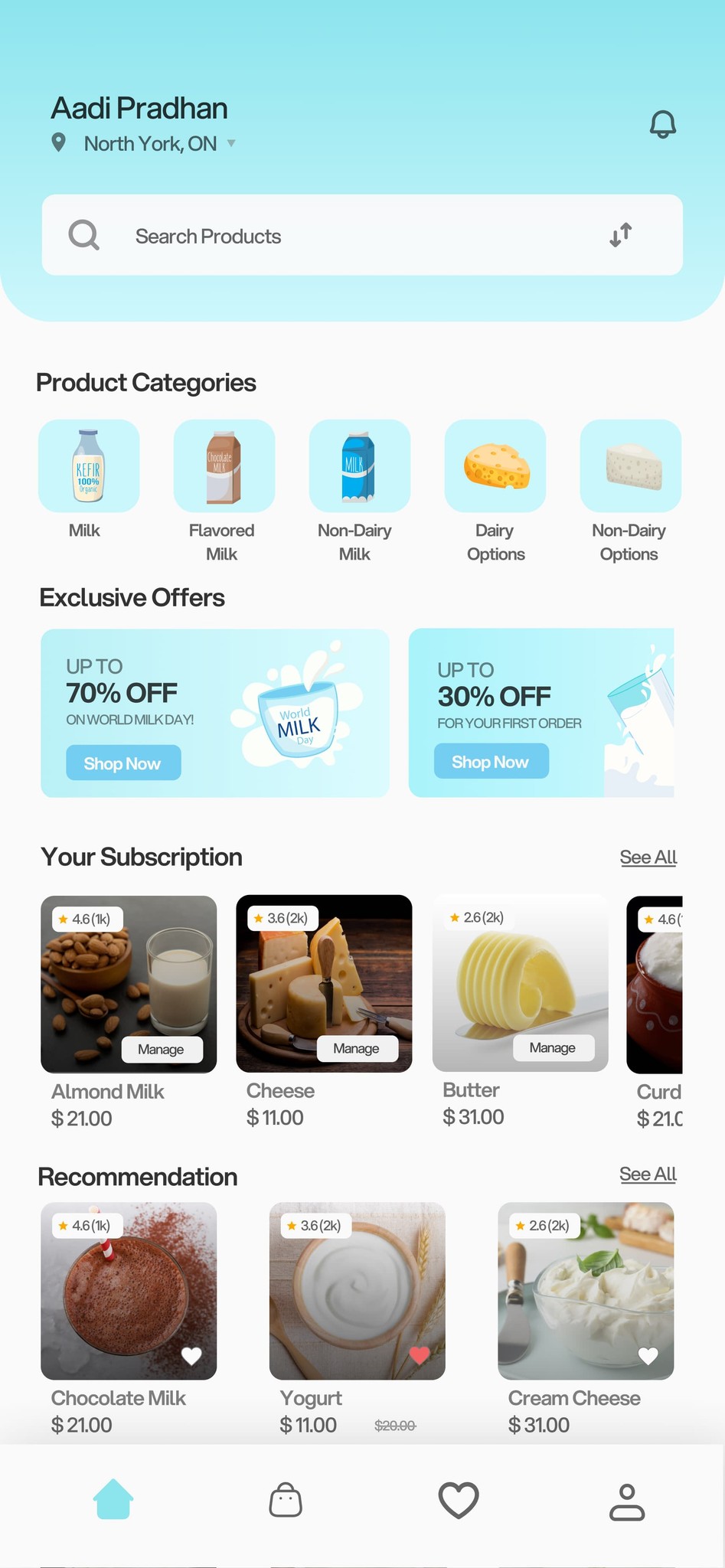
The homepage greets you with a personalized touch, displaying your name and address for a seamless experience. A search bar simplifies navigation, while curated product categories, exclusive offers, and subscription recommendations align with your preferences. By leveraging your sign-up information, the app also filters out items that may trigger allergies or harm your health, ensuring a safe, tailored shopping journey.
Allergen Safety Alerts
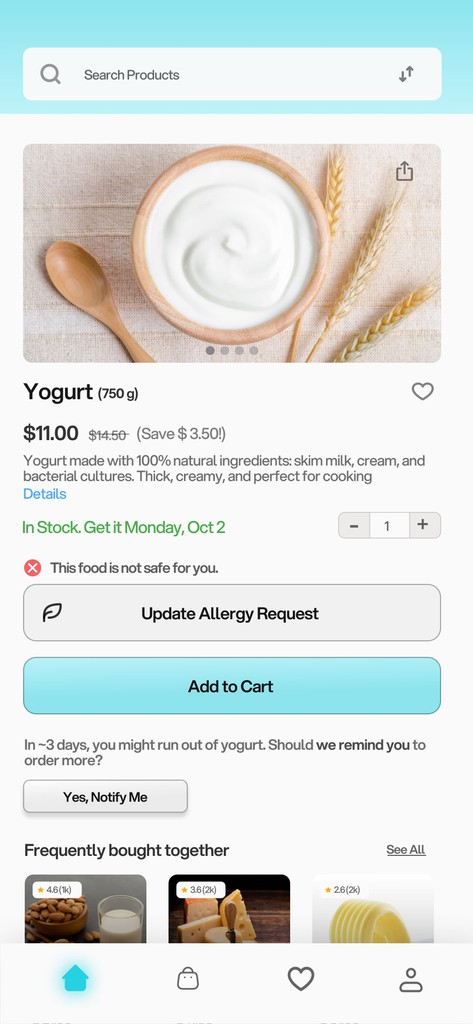
When a user selects an allergenic product, a red icon warns them of the risk. They can update their allergy info or add the item to the cart, where a pop-up alert appears before checkout. This extra step increases friction but ensures safety by preventing the purchase of harmful items.
Product Pages: Tailored for Your Needs
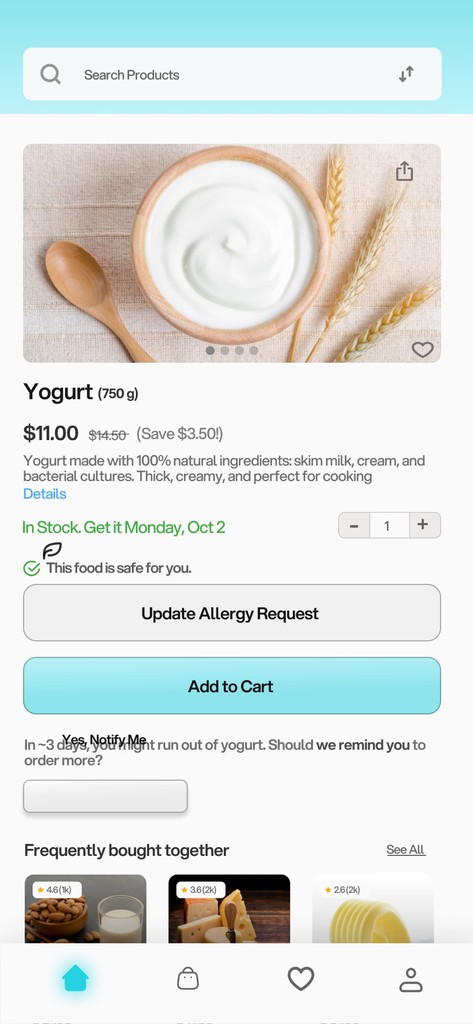
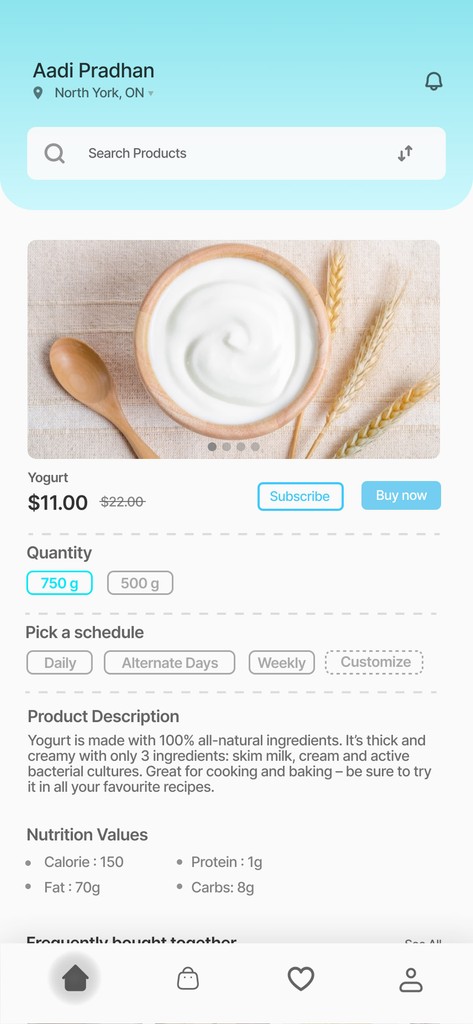
Safe products are marked with a green tick and a reassurance message. Users can browse images, search for other items, and update allergies. A notification feature alerts you when you're running low, while the wishlist and "Frequently Bought Together" sections streamline shopping, making the experience seamless and personalized.
Checkout Page: Quick and Easy
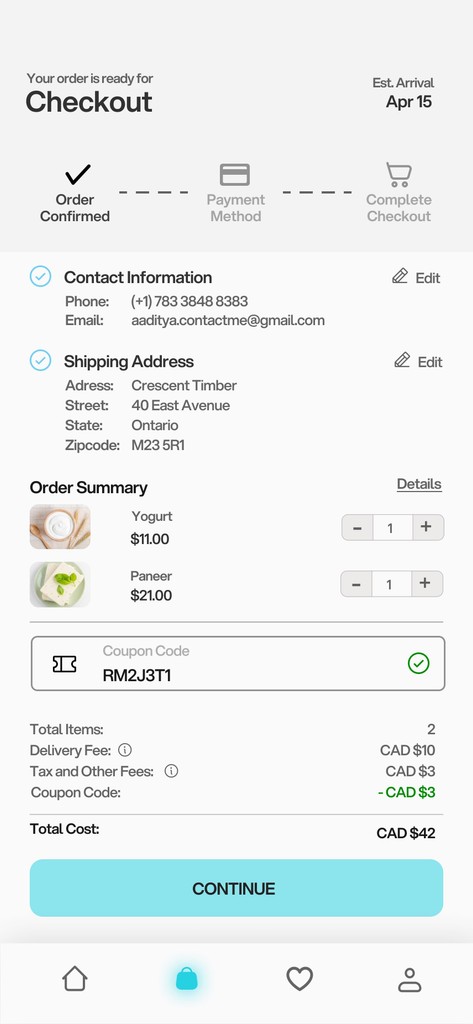
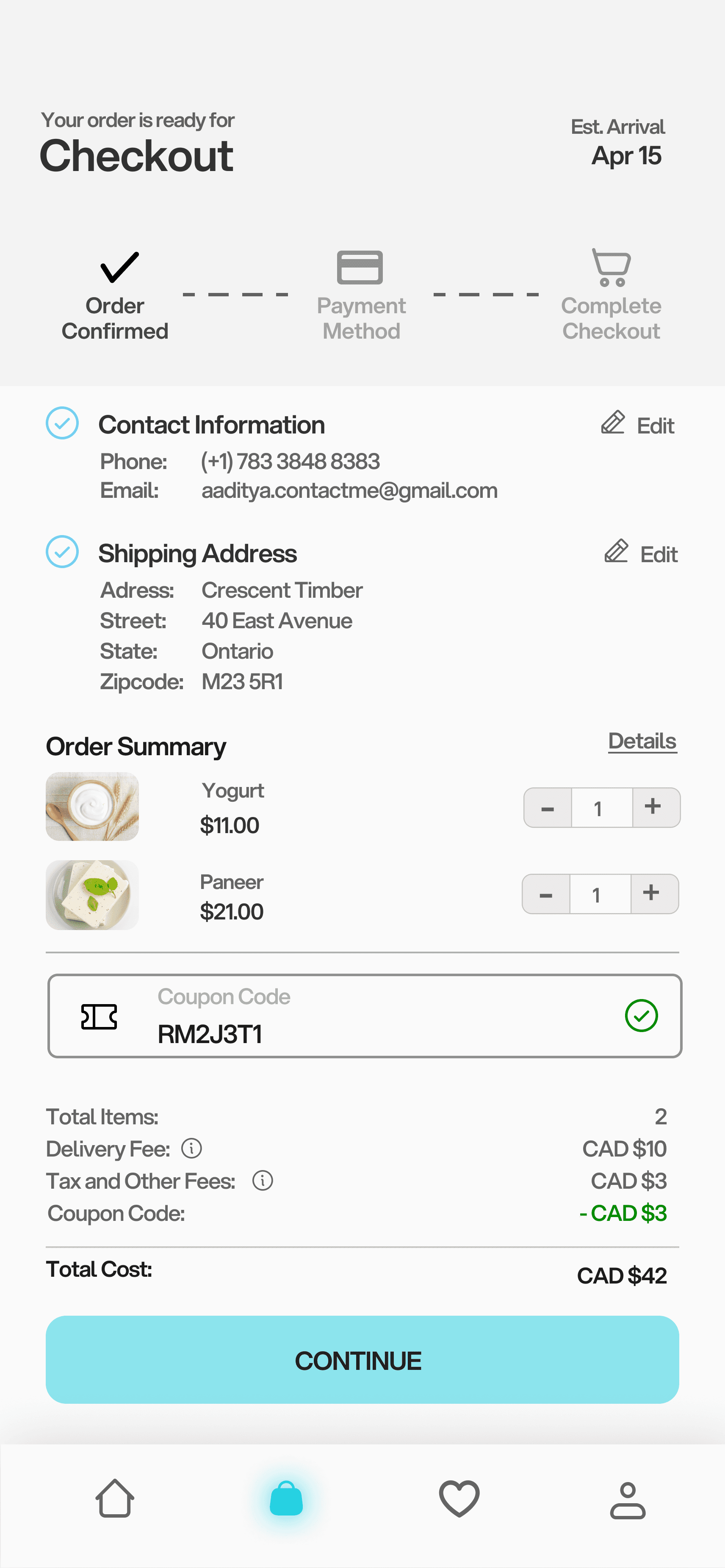
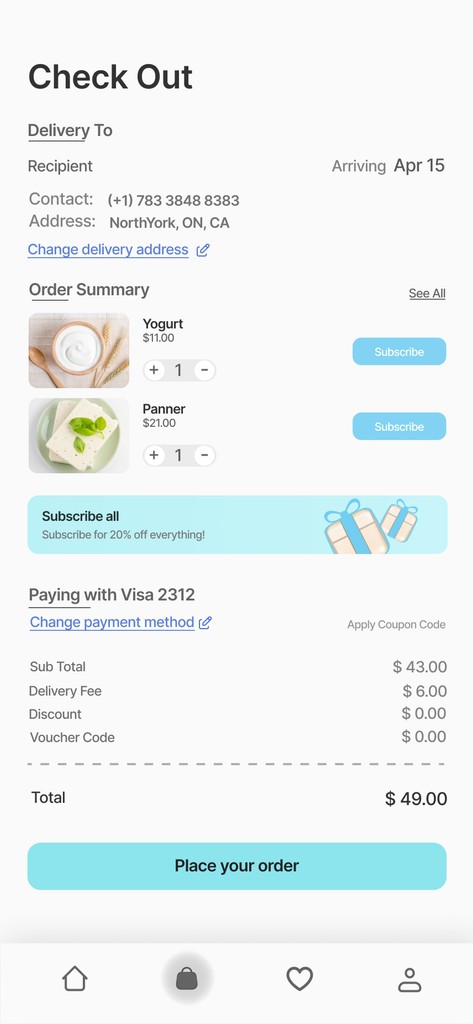
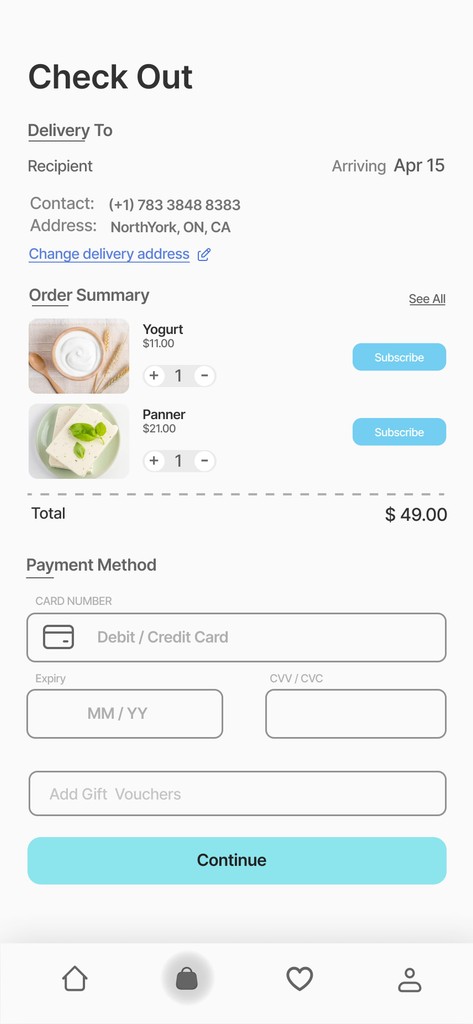
The checkout page shows estimated arrival time and offers simple options to update contact, address, and payment details. Users can adjust quantities, apply coupon codes, and complete their purchase seamlessly for a smooth, efficient experience.
Post-Checkout: Thank You & Recipe Ideas
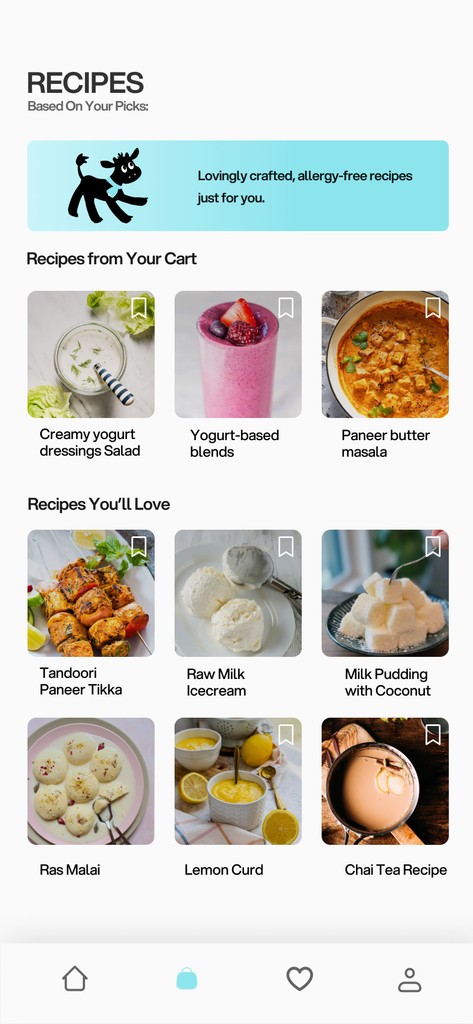
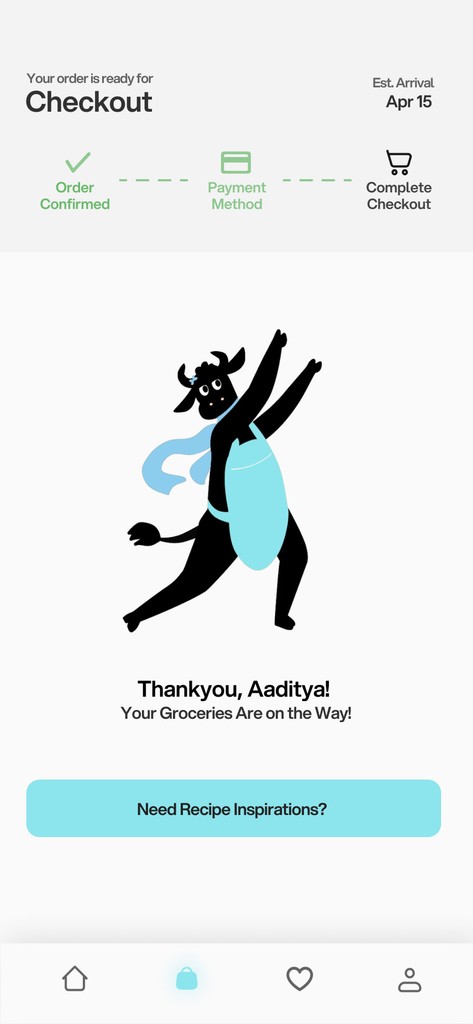
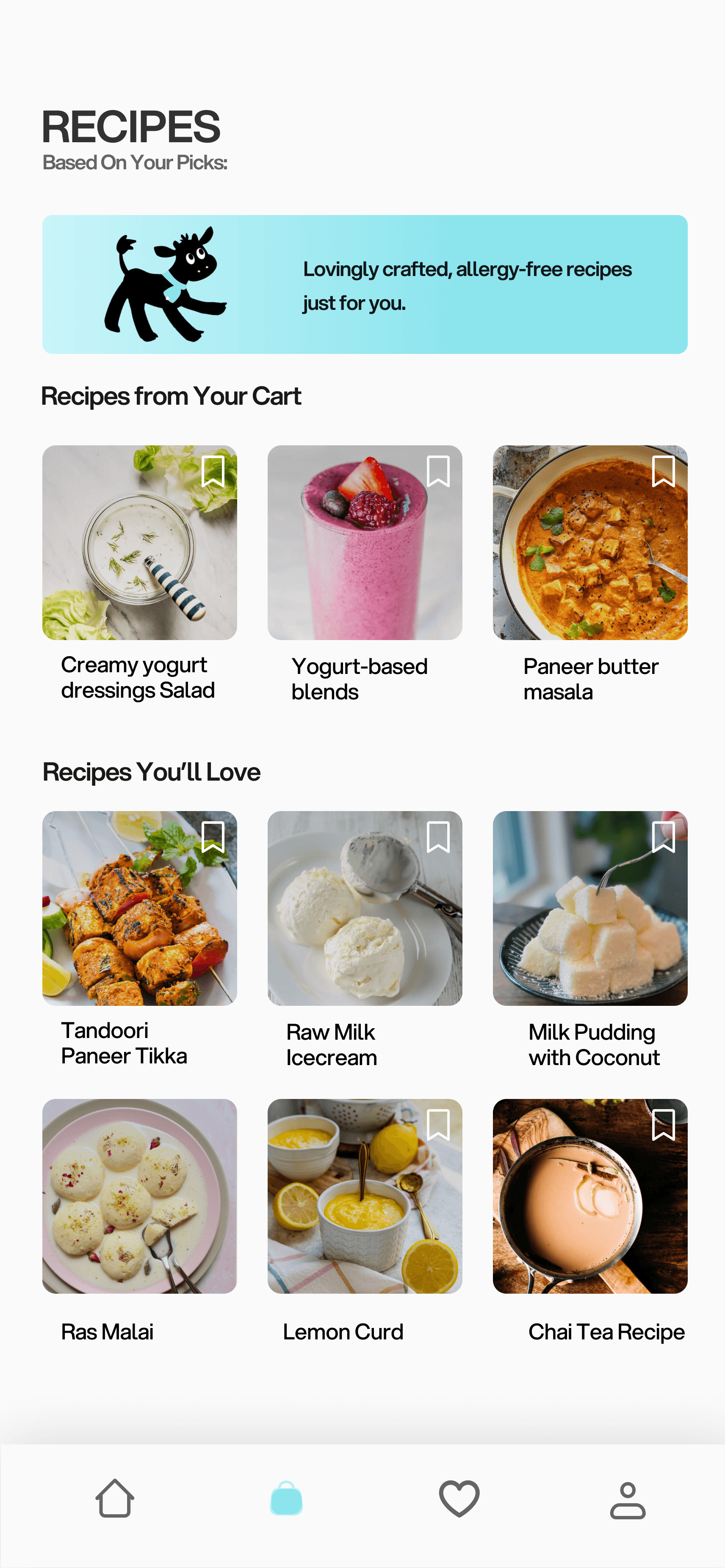
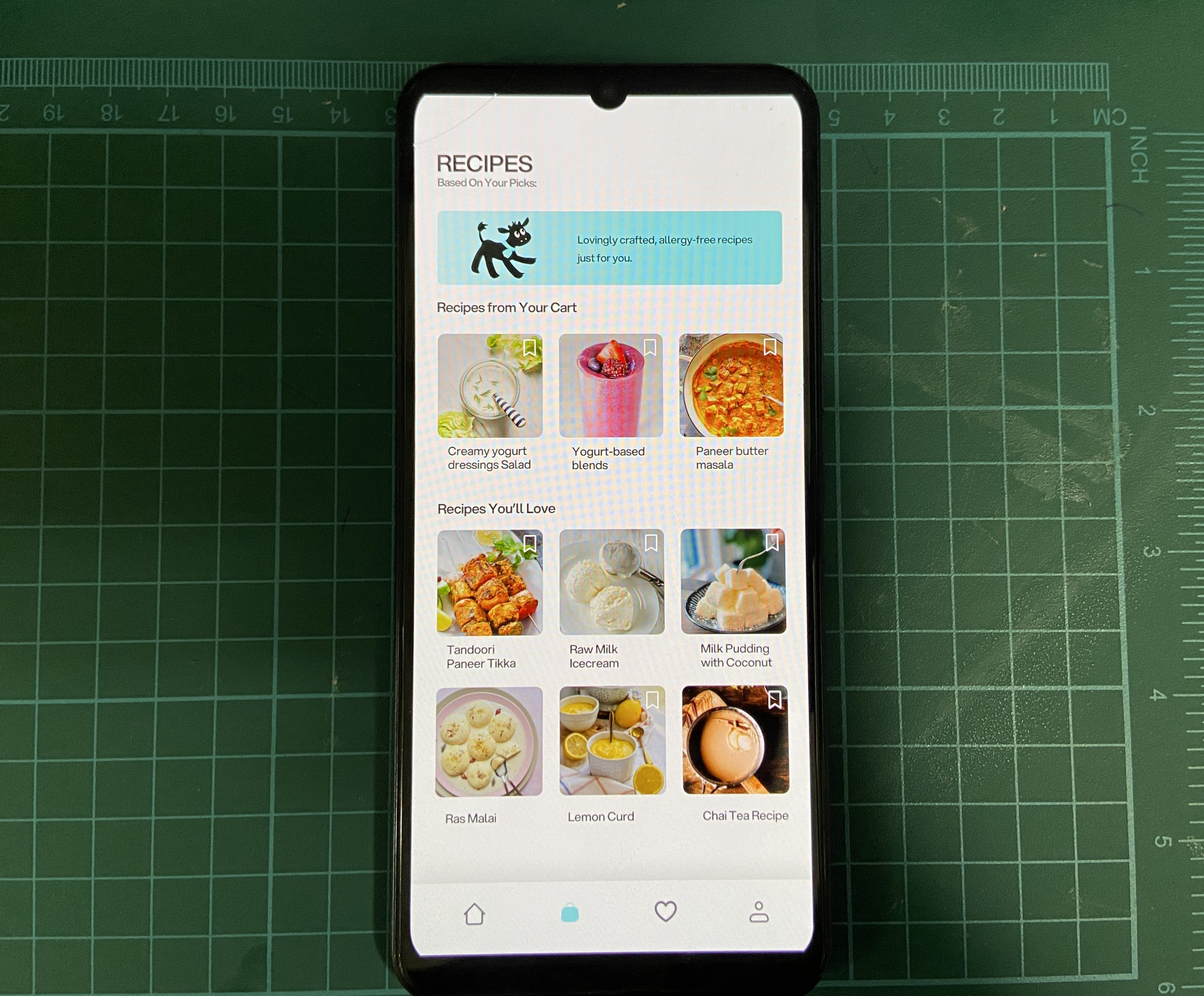
After checkout, users receive a thank-you message and a "Need Recipe Inspiration?" button, leading them to personalized recipes based on their recent orders and ingredients, making it easy to get meal ideas based on what they’ve bought.